
AR functions

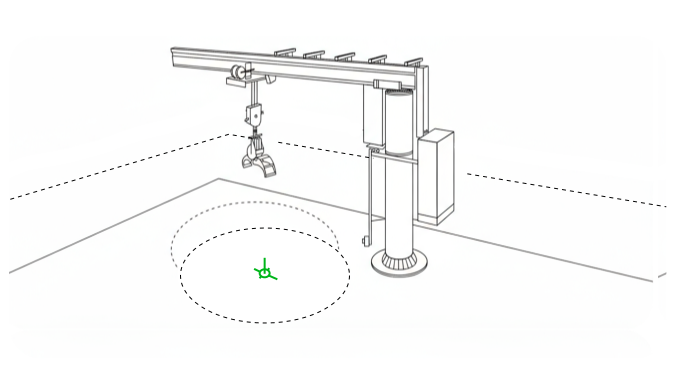
Robot arm reaching over dotted circle on a white surface, within a sketched room.

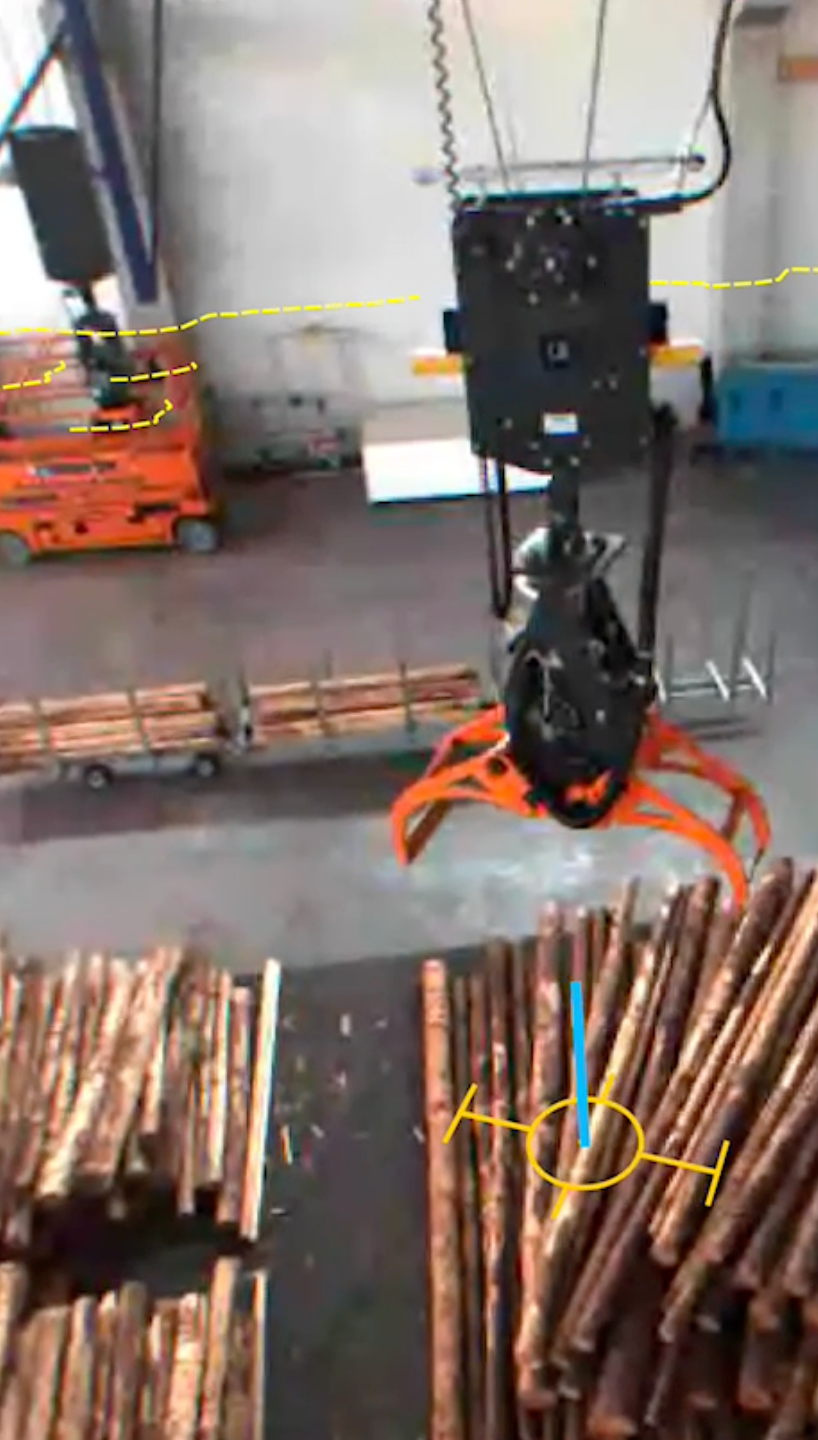
Cameras mounted under the cabin or on the trolley provide a view of the grapple or hook and of the ground and any objects or buildings in the area where the the crane operates. Lines computed by the AR functions are added to the video stream which is shown on a screen in the cabin or the remote control station. 


The Virtual Plumb Line  shows where above the ground or above an object the hook or grapple is located. It also shows the current rotation of hook or grapple. This helps the operator gauge the actual position in space of the hook or grapple as seen from the cabin - or from the screen of a remote station. 


The Virtual Collision Indicator draws a line at the current height of hook or grapple onto buildings or objects in the crane's operation area. The line moves up or down on these objects when operator changes the height of the hook or grapple. This helps the operator estimate whether moving the hook or grapple to its destination along the current path is safe. 


A circle is drawn on the ground beneath the current position of the hook or grapple, and its size corresponds to the hook's or grapple's current height. This Virtual Hazard Zone moves, grows or shrinks with the hook's or grapple's movement. If objects drop from hook or grapple, they are most likely to hit the ground within that circle. Visibility of the Hazard Zone helps the operator avoid areas where drops from hook or grapple would be problematic.


The Virtual Hazard Zone will be available in H2 2026.


Collision Prevention

Intelligent obstacle detection for

safe crane operation
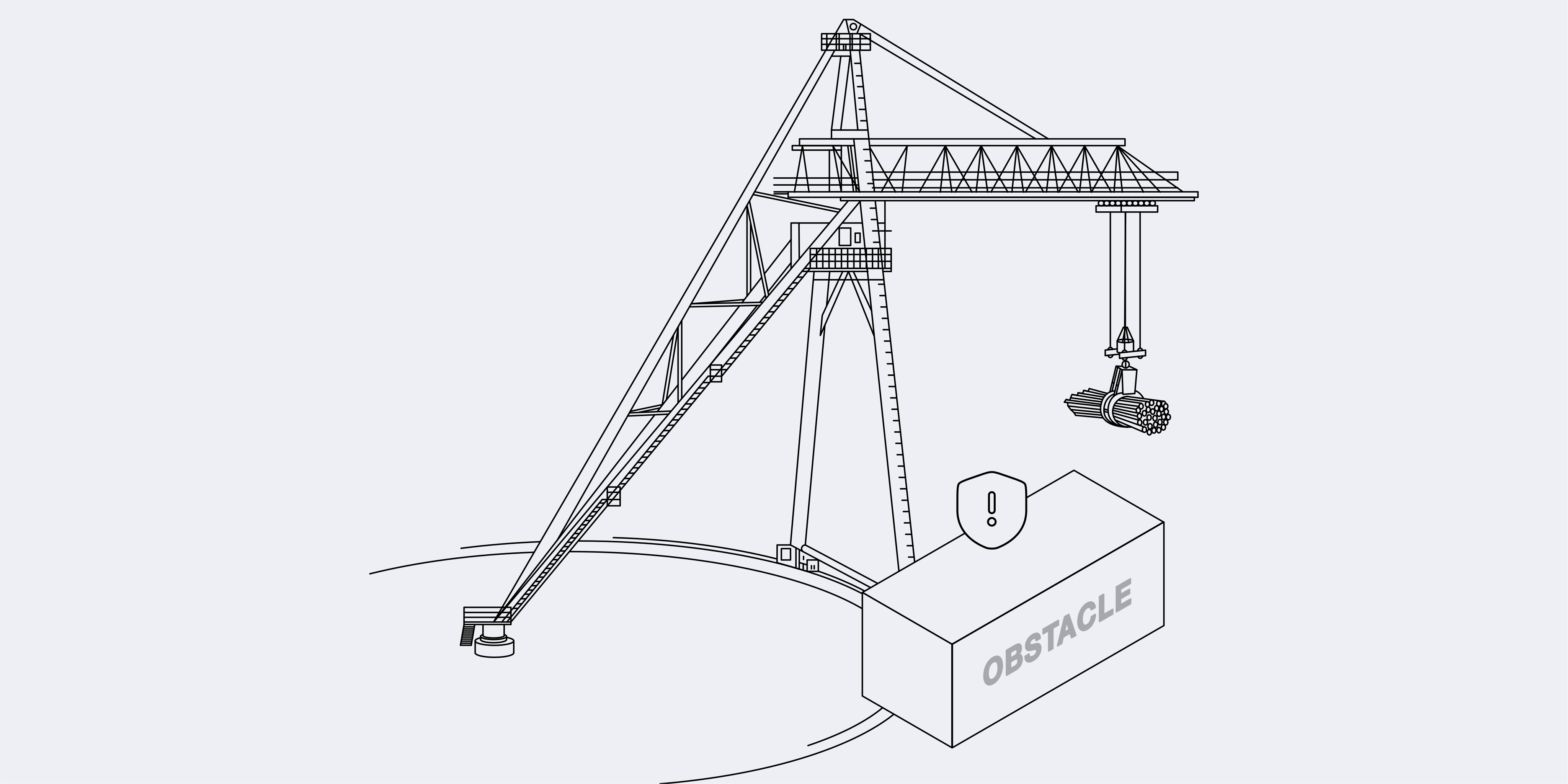
Collision Prevention illustration

Our advanced Sway Control system enhances crane safety and efficiency by actively minimizing both linear and rotation sway of the grapple or hook, with and without load.

MORE INFO
People Tracker

Enhanced safety through

real-time monitoring
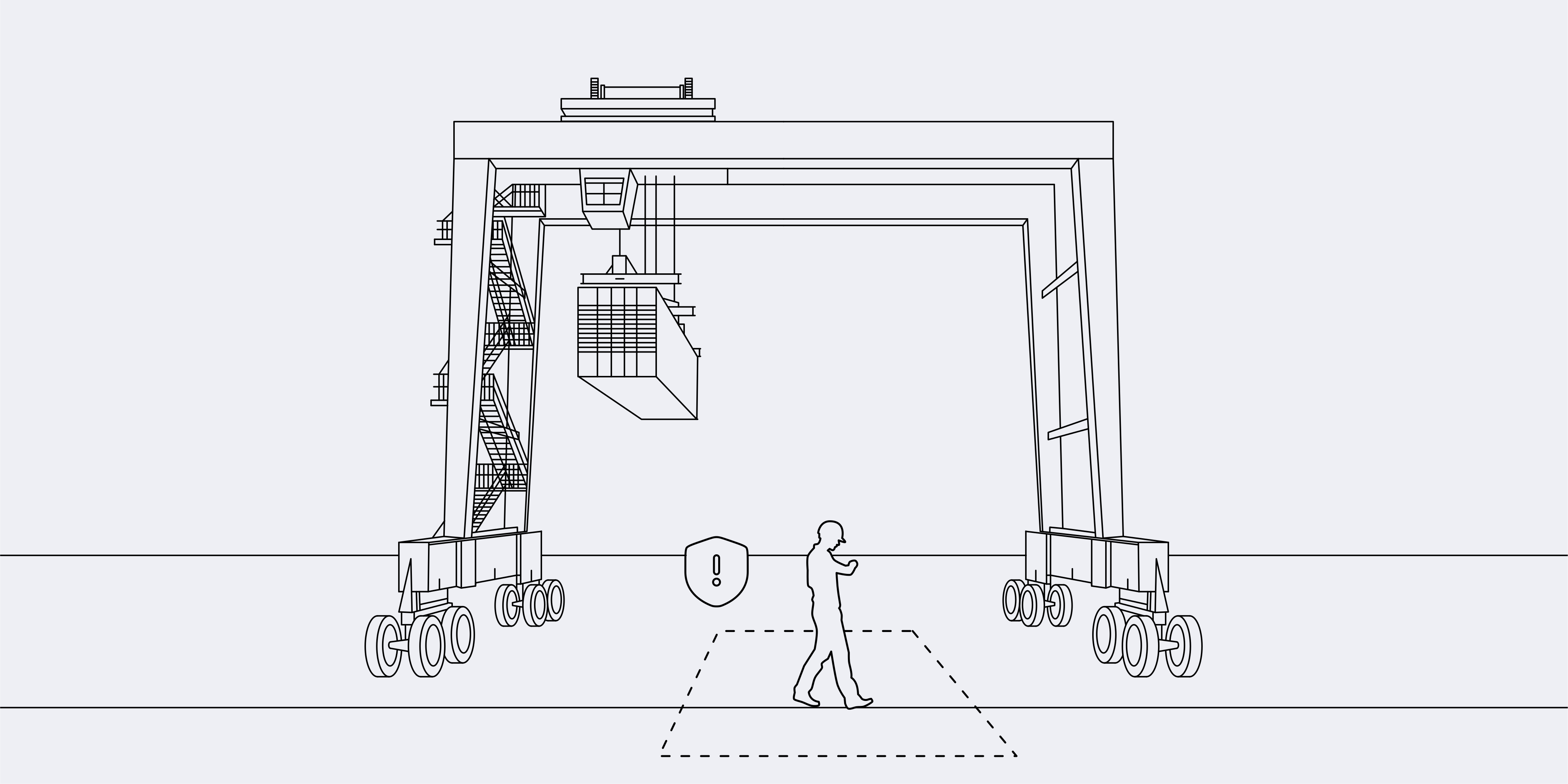
People Tracker illustration

Our system recognizes people via AI while they are in the crane's operating area. It alerts the crane operator and, if desired, smoothly halts the system to prevent dangerous situations.

MORE INFO
Remote Control

Safe, low latency, 3D augmented

remote control - local or via internet
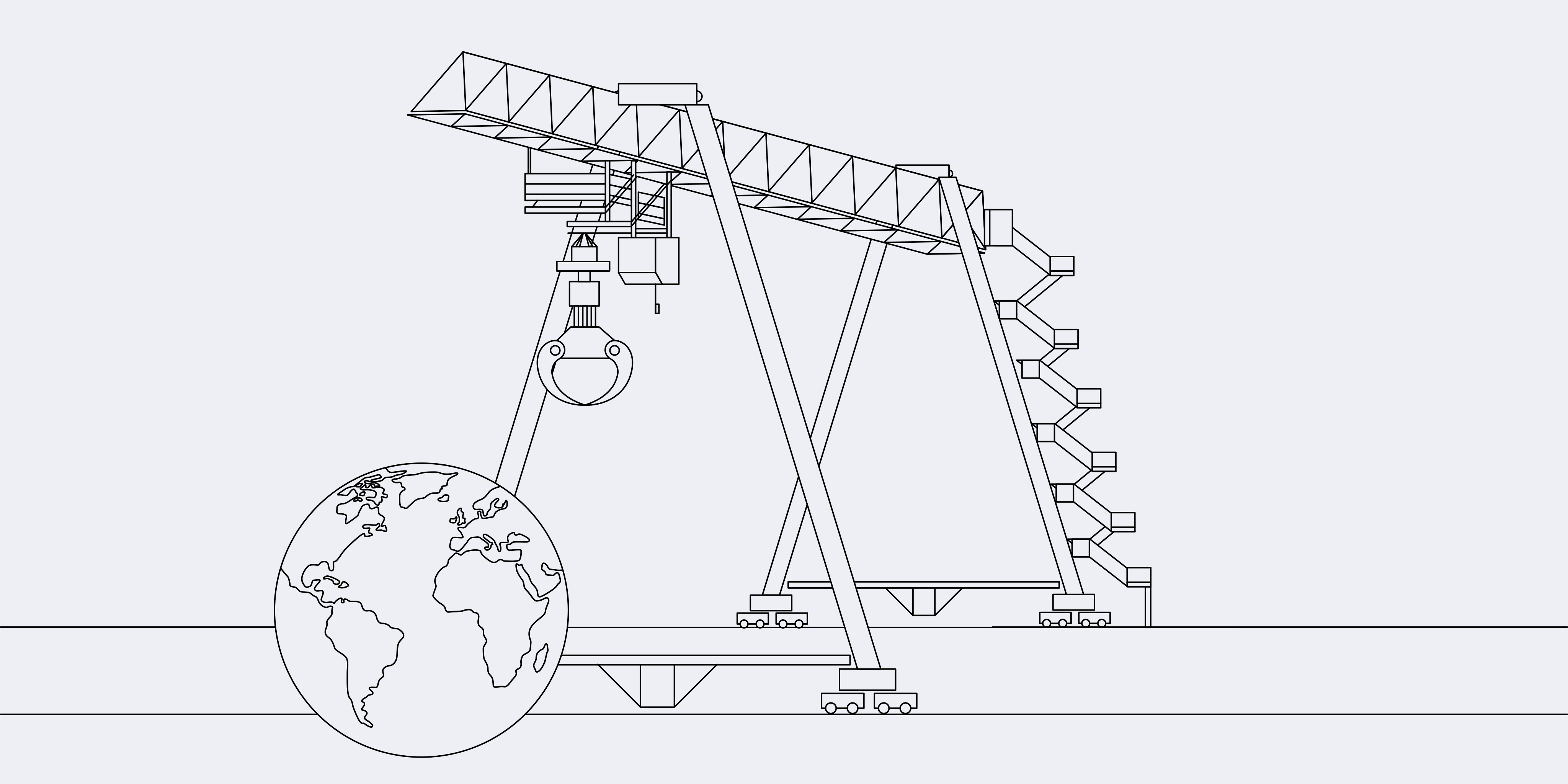
Remote Control illustration

CraneLink Remote Control enables video monitored remote operation of cranes over the internet at extremely ow latencies. This allows cranes to be remotely operated with video support from virtually any location on the planet.

MORE INFO
Time Machine

 Complete data replay 

of crane operations
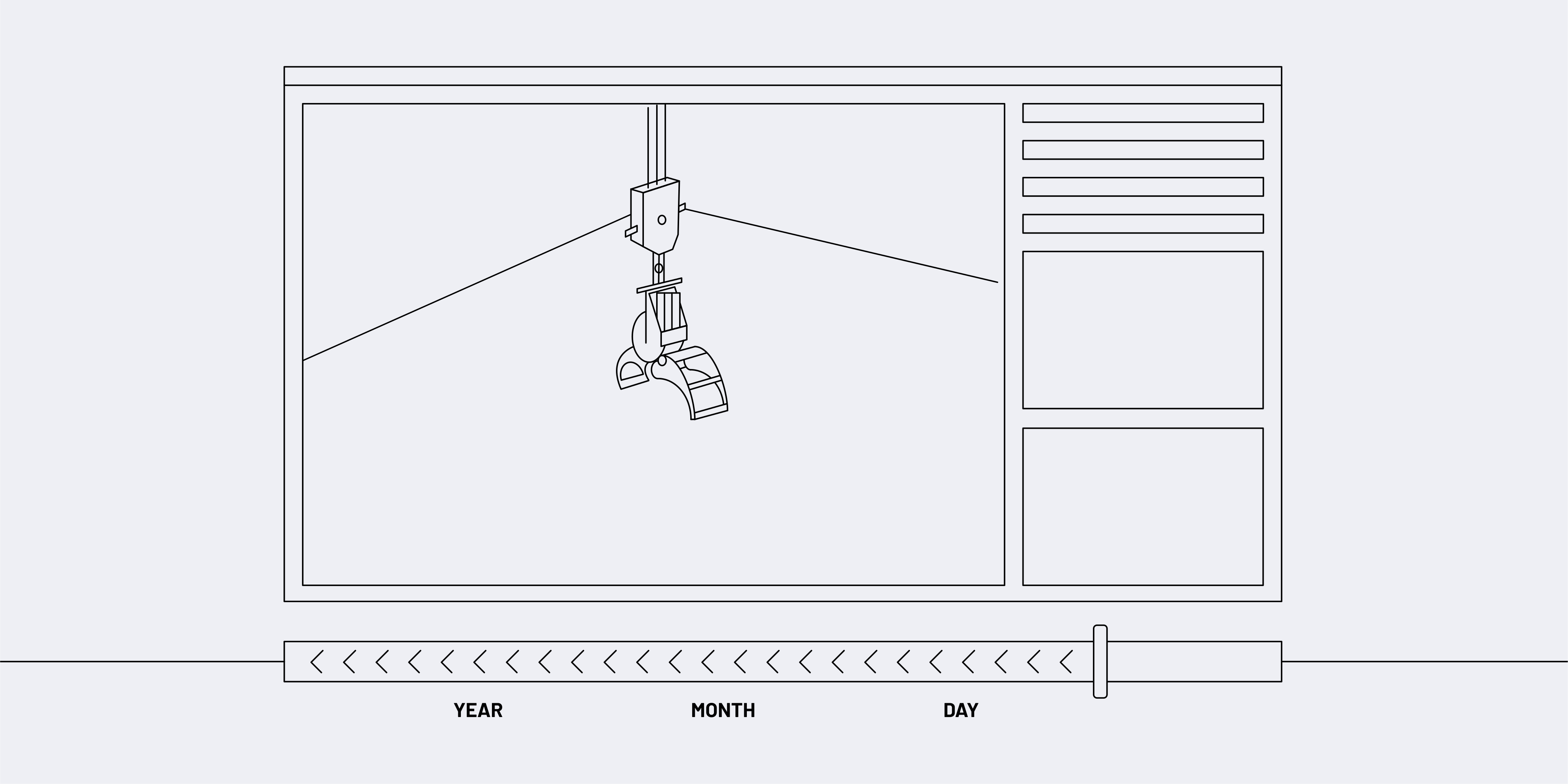
Time Machine illustration

Our Time Machine module records and stores all available sensor data from the crane in realt time, creating a comprehensive log of everyday operation.

MORE INFO
Shortcuts

Intuitive position recall for

crane operators
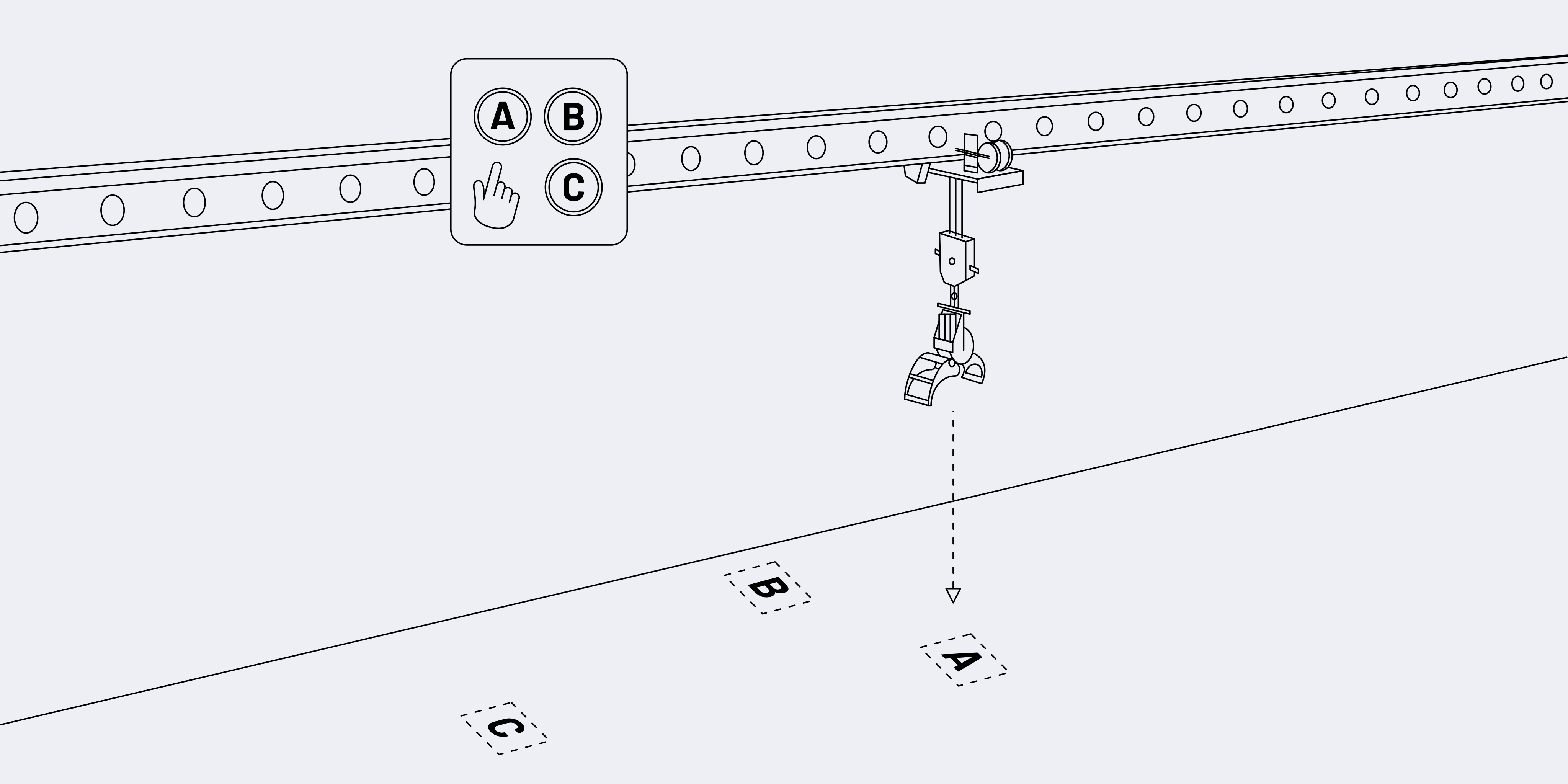
Crane shortcut illustration

Our Shortcuts Solution simplifies repetitive crane operations by allowing operators to store and recall precise grapple positions at the touch of a button.

MORE INFO
Sway Control

Active load stabilization for

smooth crane operation
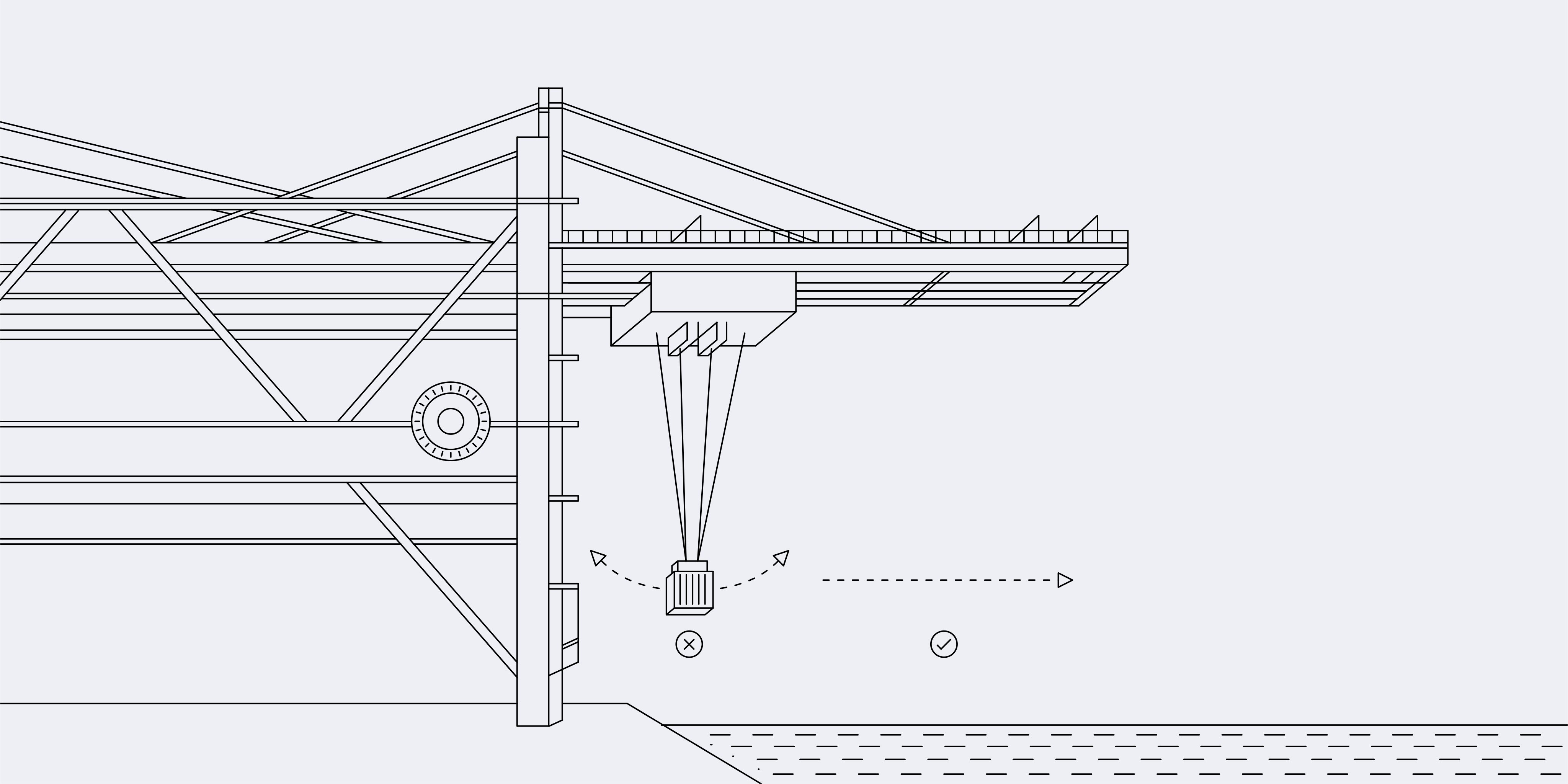
Crane shortcut illustration

Our closed loop antisway system  removes load way  induced by acceleration / deceleration and  sway that's caused by external factors such as wind or  when the hook or grapple is being loaded or unloaded.

MORE INFO
Path Planning

Intelligent crane movement

optimization
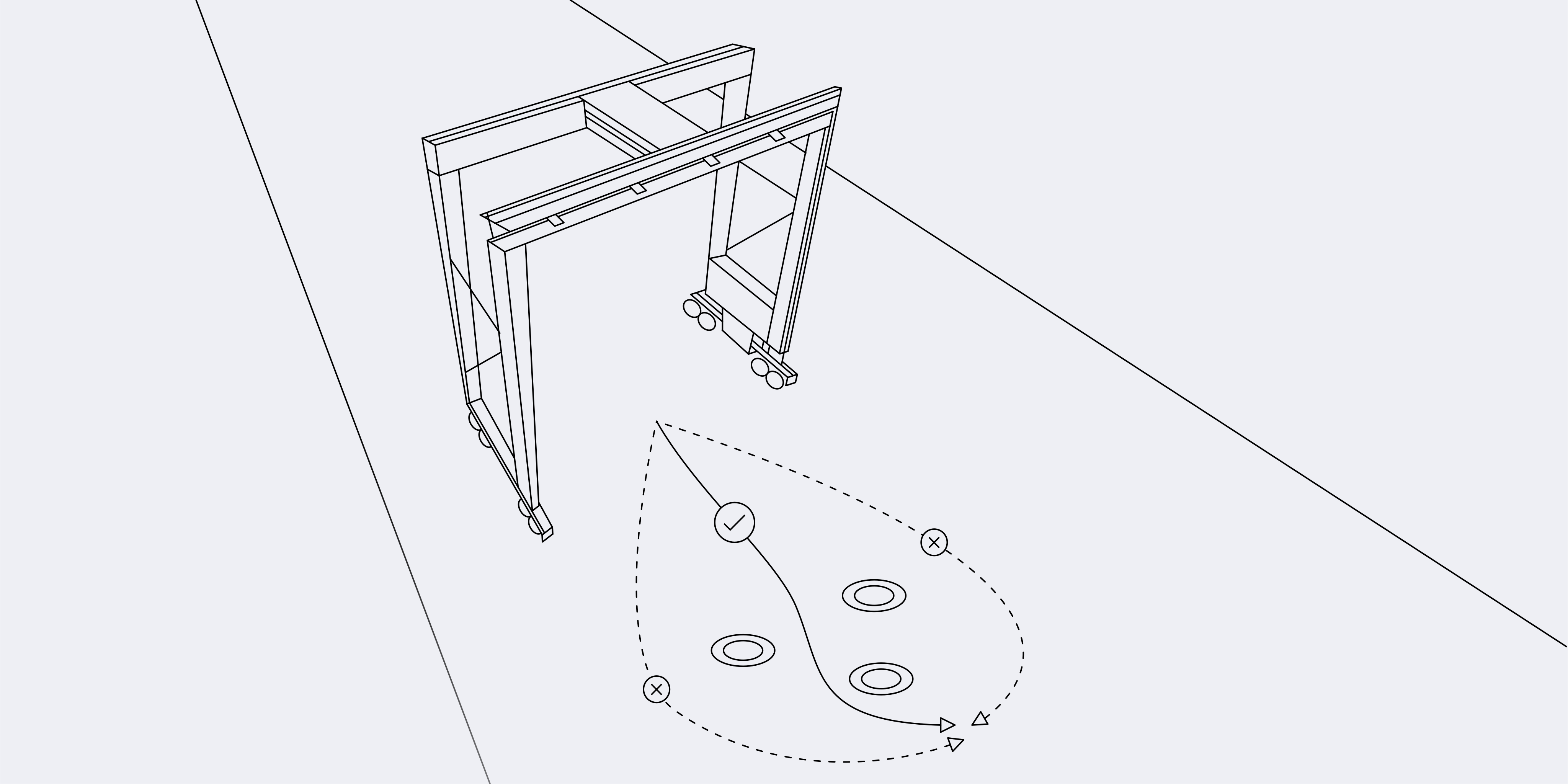
Path Planning illustration

Our Path Planning system intelligently calculates the optimal movement path for the crane, fully tailored to the operator's priorities and working conditions.

MORE INFO

Interested in learning more?

Get in touch directly with our Managing Director of Sales. Simply press the button below, and we’ll connect you personally to discuss how our solutions can support your operations.

Volker Voss
Managing Director Sales

Get in touch

Interested in learning more? - Get in touch directly with our Managing Director of Sales. Simply press the button below, ask your questions, and we’ll get in touch to discuss how our solutions can support your operators.